API Documentation
Learn how CarVision AI detects car make, model, generation, color, and angle from images
Description
CarVision API provides you with the ability to detect a car's make, model, generation, color, and angle from an image of the car. Our API is powered by Google Gemini AI, utilizing advanced computer vision and deep learning technologies capable of correctly recognizing cars in different lighting and weather conditions.
Unlike traditional recognition systems that rely on fixed databases, CarVision uses AI-powered visual analysis to identify any car from any era — from classic vintage vehicles to the latest 2026 models. Our system achieves 99% accuracy with results delivered in under 2 seconds.
Whether you are working on an enterprise-level project or just thinking about building your own app, CarVision API can bring a new experience to your users with industry-leading accuracy and lightning-fast performance.
Why CarVision AI is Different
Traditional car recognition systems rely on fixed databases with predefined car models. This means they can only recognize cars that exist in their database and struggle with new models, modified vehicles, or rare cars.
CarVision AI uses Google Gemini's visual intelligence to understand what it sees in real-time — just like a human expert would. This allows us to identify any car, including custom builds, prototypes, and vehicles from any era, without being limited to a predefined list.
How It Works
Identifying cars is not an easy task. Even car enthusiasts are not always able to recognize exactly what they are seeing. Things get more complicated if all you have is a single, poor-quality image.
To enhance user experience and deliver 99% accuracy, we process car images through Google Gemini AI's advanced vision model in several optimized steps. Understanding these steps will give you insights into how to best use our API for maximum accuracy and speed.
1Detecting Bounding Boxes
First, our AI vision system identifies every car in the image and detects its bounding box. Each bounding box is then treated as a separate image, allowing us to process multiple vehicles in a single photo with lightning-fast speed.
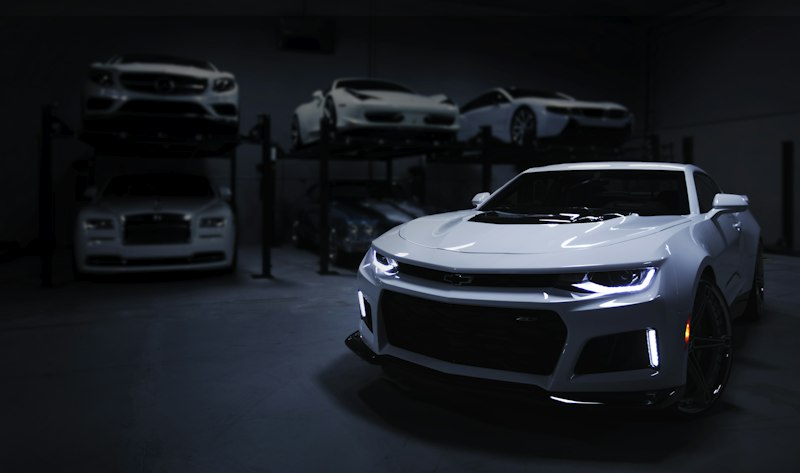
Example: Multiple cars detected with bounding boxes
2Filtering Bounding Boxes
Next, we filter out bounding boxes that are not suitable for accurate recognition. We ignore bounding boxes where one of the dimensions (either height or width) is less than 180px, as smaller images reduce our AI's ability to maintain 99% accuracy.
Filtering Parameters:
- •
box_offset: Minimum distance between image edge and bounding box edge (default: 0) - •
box_min_width&box_min_height: Minimum dimensions (default: 180px) - •
box_min_ratio: Minimum width/height ratio (default: 1.0) - •
box_max_ratio: Maximum width/height ratio (default: 3.15)
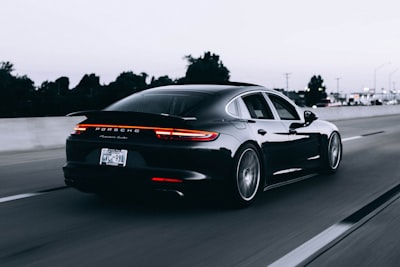
❌ Excluded: Ratio < 1.0
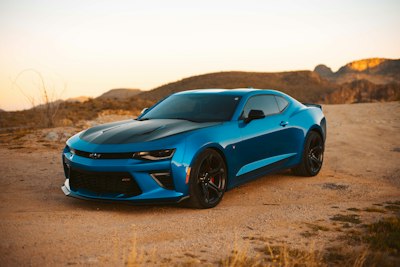
❌ Excluded: Size < 180px
3Selecting Detection Strategy
After filtering unsuitable bounding boxes, we're ready to recognize cars. The box_select parameter allows you to set your selection strategy:
- allImages within all bounding boxes will be processed
- centerThe bounding box closest to the center of the image will be processed (default)
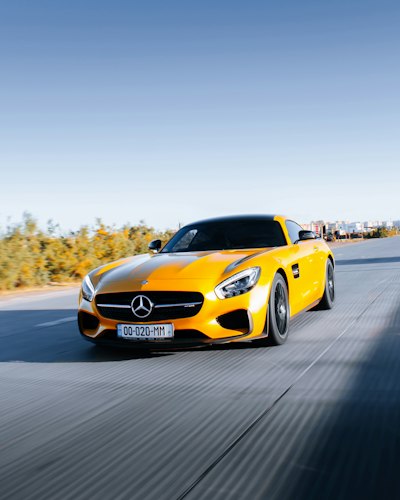
- largestThe bounding box with the largest area will be processed
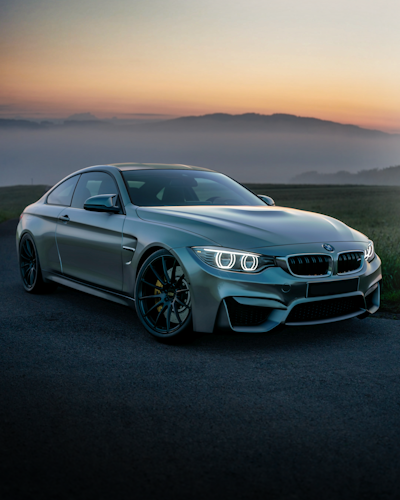
✓ box_select: 'center'
✓ box_select: 'largest'
4Detecting Image Subclass
Our Google Gemini AI classifies car images into 6 subclasses. Only bounding boxes with subclass of 'vehicle' are passed to the final AI-powered feature detection step for accurate make and model identification.
Dashboard
Image of the control panel displaying instrumentation and controls for vehicle operation.
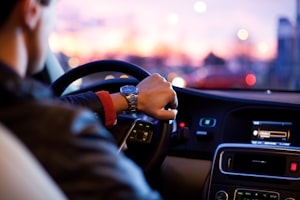
Interior
Image of car interior including seats, steering wheel, and cabin.

Wheel
Image where most of the area is occupied by a car wheel or tyre.

Body Part
Image where most area is occupied by a single car body element like mirror, grill, headlight, or badge.
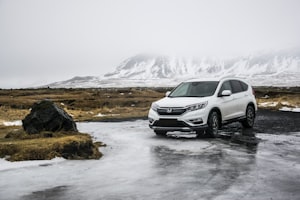
Unidentifiable
Image of car body where due to configuration the model cannot be identified (trunk, dirty cars, snow-covered, etc.).

Vehicle
Images of a clearly visible car body suitable for model detection.
5AI-Powered Feature Detection
Using Google Gemini AI's advanced vision capabilities, CarVision API detects the following features with 99% accuracy:
- mmCar model, which also reflects car make
- mmgCar generation, which also reflects car model and make (default)
- colorCar body color
- angleCar angle relative to camera
💡 Tip: Use the features parameter to define what features to extract. For example: ?features=mmg,color
Options
Region Selection (Optional)
While CarVision AI can recognize any car globally, car brands and models are distributed across the world unevenly. For example, Peugeot is common in Europe but rare in North America.
If you know the region where the image was taken, you can include it as an optional parameter (region) to help our AI optimize its analysis. CarVision API currently supports:
💡 Tip: The region parameter is optional. Our Google Gemini AI can accurately identify vehicles without it, but providing regional context can help optimize results for area-specific models.
🔐 API Key Authentication
External API access requires an API key. Paid subscriptions automatically receive an API key for integration.
Getting Your API Key
- Subscribe to a paid plan at /pricing
- Your API key will be shown once after payment confirmation
- Alternatively, generate/manage keys from Dashboard → API Access section
- Store your API key securely (never commit to version control)
Using Your API Key
Include your API key in the x-api-key header:
curl -X POST https://yourdomain.com/api/v1/car/analyze \
  -H "x-api-key: cmm_live_xxxxxxxxxxxxx" \
  -F "image=@car.jpg"
curl -X GET https://yourdomain.com/api/v1/car/usage \
-H "x-api-key: cmm_live_xxxxxxxxxxxxx"🔄 Authentication Modes
Dashboard (JWT)
For web interface. Automatic token management.
External API (x-api-key)
For programmatic access and integrations.
Pricing & Plans
CarVision uses dynamic composite pricing. Instead of fixed tiers, your plan is defined by two parameters you choose:
- requests_per_dayMaximum number of API calls you can make per day (e.g. 100, 1 000, 10 000, or unlimited)
- requests_per_secondMaximum concurrent requests per second (e.g. 1, 3, 5, or unlimited)
Use the pricing selector to pick the exact combination that fits your workload. The monthly price is calculated automatically based on your selection.
💡 Tip: A value of -1 for either parameter means unlimited. For example, requests_per_day = -1 grants unlimited daily requests. Plans with both values at their minimum (≤ 10 RPD, 1 RPS) are free.
You can upgrade or downgrade at any time. Your new plan takes effect immediately and the billing cycle resets.
Example Car Images

Sports Car
High-performance vehicle with clear body lines
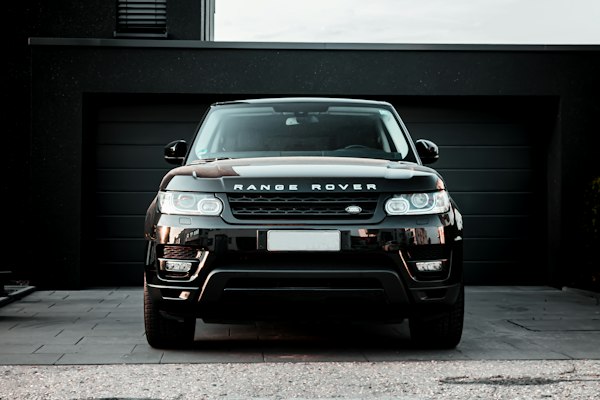
Luxury Sedan
Premium sedan in optimal lighting
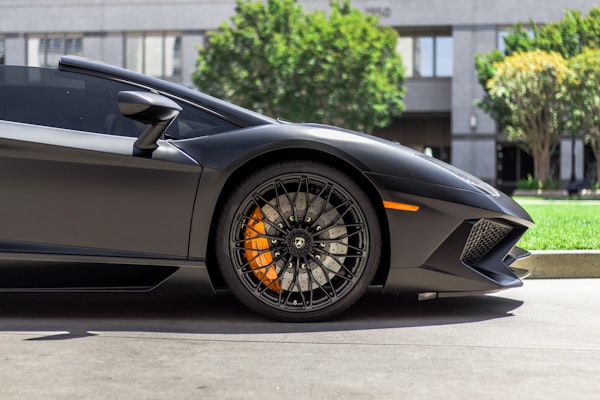
Classic Car
Vintage vehicle with distinctive features
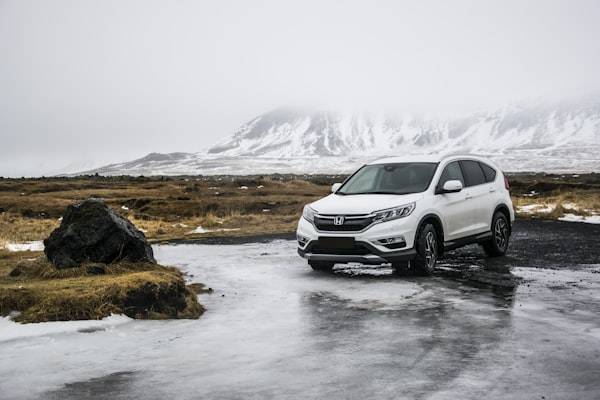
SUV
Sport utility vehicle from multiple angles
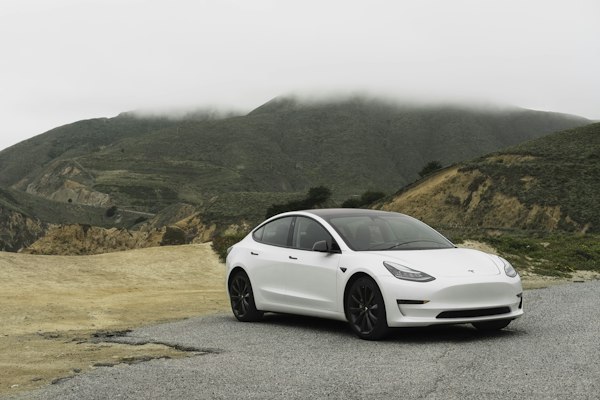
Electric Vehicle
Modern EV with clean design

Compact Car
City car with clear visibility